

Table of Contents
- Benchmarks: RAM Disk Raw Speed vs. NVMe Real-World Returns
- The Competitive Edge: Asset Streaming and 1% Low FPS Stability
- Analyzing the Trade-offs: High Costs and Data Volatility Risks
- Solved: Automating Data Persistence with a Fail-Safe Script
- Final Verdict: Is a RAM Disk Worth It for Competitive Play?
You want instant load times to dominate your gaming circle. Speed is everything when every millisecond counts in the arena.
We test RAM Disks against NVMe SSDs to see which storage tech truly boosts your rig. Get ready to optimize your setup with Joltfly.
Key Takeaways
- RAM disks offer massive raw speed but risk losing data instantly on power loss.
- High-end NVMe SSDs deliver practical, consistent speeds perfect for modern titles.
- Real-world load times show negligible gains with RAM disks versus fast NVMe drives.
- Using a RAM disk requires complex scripts to prevent critical game data loss.
- Save your budget for GPU upgrades rather than expensive, volatile RAM capacities.
Benchmarks: RAM Disk Raw Speed vs. NVMe Real-World Returns
The Speed Showdown: RAM Disk vs. NVMe
You crave every millisecond of advantage.
When it comes to game load times, two storage titans vie for dominance: the ultra-fast RAM disk and the cutting-edge NVMe SSD.
But which truly gives you the competitive edge in real-world scenarios? It is not always about raw, theoretical speed.
RAM Disk: Unmatched Raw Performance
A RAM disk harnesses your system’s RAM, treating it like a super-fast storage drive.
Because RAM has incredibly low latency, its sequential speeds are staggering.
Imagine loading game assets directly from memory, bypassing traditional storage bottlenecks entirely.
This raw performance is unparalleled in synthetic benchmarks.
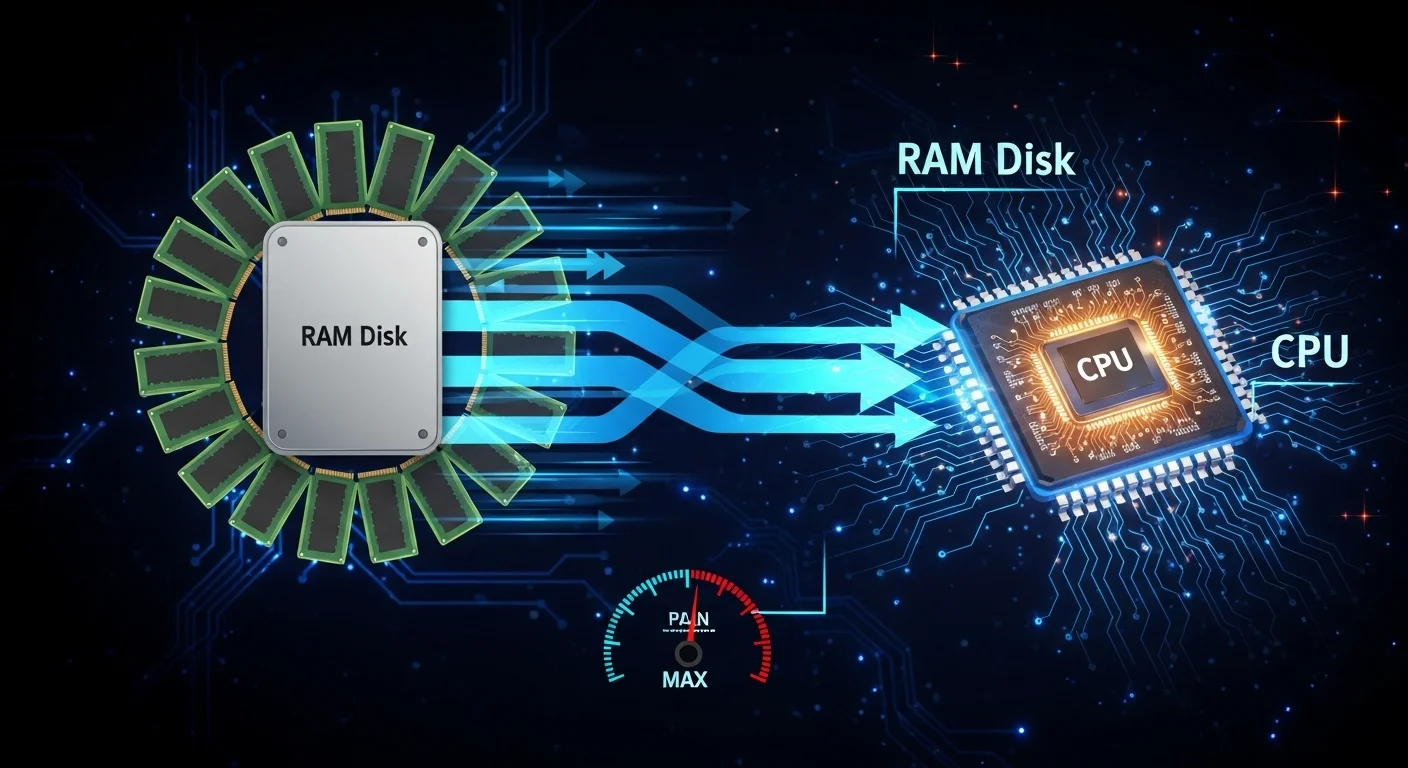
However, setting up a RAM disk involves dedicating a significant portion of your volatile memory. You lose that data when your PC powers off.
While RAM’s speed is undeniable, understanding RAM timings vs. frequency is crucial for optimizing its performance.
NVMe SSD: Real-World Gaming Dominance
NVMe SSDs, especially those leveraging PCIe Gen4 or Gen5, offer phenomenal speeds themselves. They connect directly to your motherboard, minimizing latency.
Modern NVMe drives can achieve sequential read speeds well into the thousands of megabytes per second.
More importantly, their random read performance is exceptionally strong.
Competitive games constantly access small, random chunks of data for textures, maps, and audio. This is where NVMe SSDs truly shine.
The Gaming Load Time Reality Check
For most competitive titles, the actual loading process isn’t purely sequential. Game engines are optimized to pull various assets concurrently.
While a RAM disk offers higher theoretical peak speeds, the real-world difference in game load times compared to a high-end NVMe SSD often proves negligible.
The bottleneck frequently shifts to your CPU, GPU, or game engine optimization rather than storage.
Here’s a look at typical sequential read speeds for a top-tier NVMe SSD versus a RAM Disk:
| Storage Type | Typical Sequential Read Speed (MB/s) | Notes |
|---|---|---|
| High-End NVMe SSD (PCIe Gen4) | 7,000 | Excellent random I/O, non-volatile. |
| RAM Disk | 12,000+ | Superior theoretical raw speed, volatile. |
A bar chart comparing average sequential read speeds. High-End NVMe SSD (PCIe Gen4) achieves 7,000 MB/s, while a RAM Disk reaches 12,000+ MB/s. Source: Tech-Critter.com.
As you can see, a RAM disk boasts higher peak sequential speeds.
However, for everyday gaming and even competitive titles, a high-performance NVMe SSD is sufficient.
The marginal gains from a RAM disk usually don’t justify the complexity. Optimize your NVMe and focus on other factors for ultimate performance.
In Short
- While RAM disks offer superior theoretical raw speeds, they utilize volatile memory and require significant system RAM allocation.
- NVMe SSDs provide phenomenal real-world gaming performance, particularly excelling in crucial random read operations.
- For most games, the real-world load time difference between a RAM disk and a high-end NVMe SSD is often negligible, as bottlenecks shift to other components.
The Competitive Edge: Asset Streaming and 1% Low FPS Stability
Unlock Seamless Gameplay with Ultra-Fast Storage
In competitive gaming, every millisecond counts.
Your storage solution plays a pivotal role, not just in initial load times, but throughout your entire gaming session.
Modern titles constantly stream assets like textures, models, and audio. A slow drive can introduce frustrating stutters and visual pop-in.
This directly impacts your ability to react swiftly and maintain immersion.
The Edge of Asset Streaming and 1% Lows
Asset streaming is the continuous loading of game data as you play.
Fast storage ensures these assets load instantly, preventing delays that can cost you a critical moment.
Imagine sprinting into a new area in an FPS. You need everything to render perfectly, immediately.
This is where a high-performance storage solution shines.
Beyond average FPS, competitive gamers obsess over 1% low FPS.
These dips represent the lowest frame rates you experience, often indicating micro-stutters or hitches.
Slow asset loading is a major culprit for these frustrating drops, disrupting your aim and focus.
A RAM disk or a top-tier NVMe SSD can deliver assets so rapidly that these stutters are virtually eliminated.
A bar chart illustrating approximate maximum sequential read speeds in MB/s for different storage types: HDD (150), SATA SSD (550), NVMe PCIe 4.0 SSD (7000), and RAM Disk (10000).
RAM Disk vs. NVMe SSD: Stability Showdown
A RAM disk offers unparalleled theoretical speeds, often exceeding 10,000 MB/s. This insane speed virtually eliminates any storage-related bottlenecks for asset streaming.
However, modern NVMe PCIe 4.0 SSDs are also incredibly fast, reaching speeds of up to 7,000 MB/s.
For most competitive games, the difference in real-world asset streaming and 1% low FPS stability between a high-end NVMe SSD and a RAM disk can be minimal.
Many games are optimized to load data efficiently.
Even the fastest NVMe drives often provide more bandwidth than the game engine can fully utilize for streaming.
The main advantage of a RAM disk lies in its raw, unfiltered speed, which could shine in extremely data-intensive or unoptimized scenarios.
Optimize Your RAM for Peak Stability
While a RAM disk offers extreme speed, ensuring your system’s RAM timings and frequency are optimized is crucial for overall system performance.
Good RAM performance directly impacts how quickly your CPU can access data, which is fundamental to maintaining high and stable FPS.
The Verdict for Competitive Play
For consistent asset streaming and robust 1% low FPS, both RAM disks and high-performance NVMe SSDs offer significant advantages over older storage technologies.
A RAM disk provides the ultimate theoretical speed.
However, the practical gains over a top-tier NVMe SSD for asset streaming in most games might not justify the complexity.
Choose the setup that best balances performance with practicality for your gaming rig.
Ready to push your system to its limits? Head over to Joltfly’s Device Tests to benchmark your current setup and discover areas for improvement!
In Short
- Fast storage, particularly NVMe SSDs and RAM disks, is crucial for competitive gaming to ensure seamless asset streaming and stable 1% low FPS.
- Slow asset loading is a major cause of micro-stutters and performance dips, directly impacting a player’s ability to react and maintain focus.
- While RAM disks offer unparalleled theoretical speeds, high-performance NVMe SSDs provide sufficient bandwidth for asset streaming in most games with minimal practical difference.
Analyzing the Trade-offs: High Costs and Data Volatility Risks
The Cost Barrier: Why RAM Disks Aren’t for Every Gamer
You’re chasing every millisecond, but are you ready for the financial hit? Building a RAM disk for your gaming rig is a serious investment.
High-speed, high-capacity RAM modules, especially DDR5, come with a premium price tag.
Standard SSDs have become incredibly affordable. However, equipping your system with 32GB to 128GB of top-tier RAM solely for a RAM disk pushes costs sky-high.
This isn’t just about raw speed, it’s about smart resource allocation for competitive dominance.
A bar chart showing the approximate average cost per GB: High-Speed DDR5 RAM costs around $3.00/GB, while High-Performance NVMe SSDs cost about $0.10/GB.
As you can see from the data, the cost per gigabyte for performance RAM is significantly higher than for NVMe SSDs.
For most competitive gamers, allocating those funds to a better GPU, CPU, or even a higher refresh rate monitor will yield far more tangible in-game benefits.
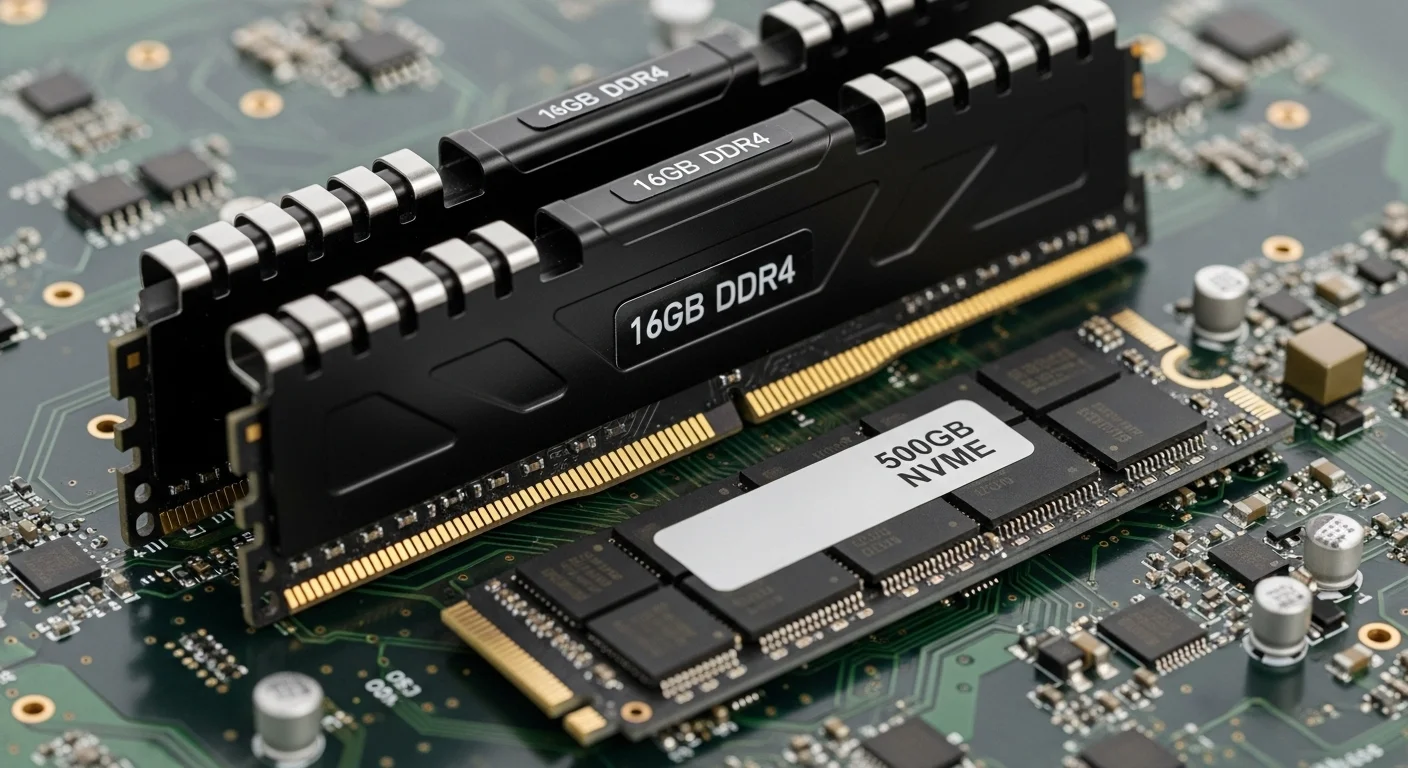
Data Volatility: The Major Risk for Your Game Files
Here’s the critical drawback of RAM disks: they are inherently volatile. This means any data stored on them is temporary.
The moment your PC loses power, all data on a RAM disk vanishes. Poof.
Imagine your critical game files, custom settings, or save data disappearing after a power flicker. That’s a nightmare scenario for any serious gamer.
SSDs, by contrast, are non-volatile. Your data remains safe and sound until you decide to delete it.
This fundamental difference requires careful consideration and robust backup strategies if you commit to a RAM disk.
Mitigating Volatility: UPS and Hybrid Solutions
To counter data volatility, some gamers use an Uninterruptible Power Supply (UPS).
A UPS provides a temporary power source, allowing your system to safely shut down and save the RAM disk’s contents to a persistent storage like an SSD.
However, this adds another layer of cost and complexity to your setup. It’s a partial solution, not a complete fix for instant power loss.
Another approach is a hybrid solution. You could use a RAM disk only for specific, non-critical game assets during a session.
Consider how various system components impact your gaming. Beyond storage, even factors like chipset drivers can affect gaming performance.
Is the Performance Boost Worth the Hassle?
While RAM disks offer unparalleled speeds, their high cost and inherent data volatility present significant trade-offs.
For the vast majority of competitive gamers, a high-quality NVMe SSD provides an excellent balance of speed, capacity, and data safety at a much more reasonable price.
You need to decide if the marginal gains in load times justify the extra expense and risk to your valuable game data.
Test your current system’s performance bottlenecks with Joltfly’s Device Tests to pinpoint areas for improvement.
Every millisecond counts, but smart upgrades count more!
In Short
- Building a RAM disk is a significant financial investment due to the high cost of high-speed RAM compared to NVMe SSDs.
- RAM disks are inherently volatile, meaning all data is lost if power is interrupted, posing a major risk to game files and settings.
- For most competitive gamers, high-quality NVMe SSDs offer a superior balance of speed, capacity, and data safety at a much more reasonable price than RAM disks.
Solved: Automating Data Persistence with a Fail-Safe Script
Unlock Peak Performance: Why Your RAM Disk Needs a Fail-Safe
You crave lightning-fast load times. A RAM disk delivers, offering unparalleled speed for your critical game files and configurations.
But there’s a catch, a significant hurdle for any competitive gamer seeking an edge: RAM is volatile memory.
Without power, your entire RAM disk vanishes. Imagine losing all your custom binds, critical game data, or even a crucial game client itself.
That’s a huge competitive disadvantage and a frustrating setback.
Protect Your Game Data: The Risk of Volatile Memory
Relying solely on a RAM disk for essential gaming files means constant exposure to data loss.
A sudden power flicker, a Windows update, or even a planned shutdown will wipe everything clean from your ultra-fast storage.
This volatility can force you to re-download gigabytes of data or painstakingly restore settings. You can’t afford that downtime when your squad is waiting.
Achieving peak system stability is vital to prevent such issues.
Address underlying performance bottlenecks, like fixing CPU power limit throttling, to ensure your gaming rig runs flawlessly.
Automate Your Advantage: Crafting a Fail-Safe Script
The solution lies in automation.
You need a robust, fail-safe script that backs up your RAM disk to your SSD before shutdown or sleep, and restores it on startup.
This ensures you get the raw speed of RAM for in-game performance without the risk of losing your critical data.
It’s about having your cake and eating it too, dominating your gaming circle with speed and reliability.
Implementing Your RAM Disk Persistence Script
Creating this script involves a few key steps. It’s simpler than you think to automate this crucial process and secure your performance gains.
You’ll typically use a batch file or PowerShell script, tailored to your RAM disk software and operating system.
- Initial Setup: Create your RAM disk and populate it with the game files, mods, or configurations you want accelerated.
- Backup Script: Design a script to copy the contents of your RAM disk to a specific folder on your SSD. Schedule this to run before shutdown or system sleep.
- Restore Script: Create another script that copies those backed-up files from your SSD back to your RAM disk upon system startup.
- Error Handling: Implement basic checks to ensure the backup and restore operations complete successfully.
This automated process ensures your games always load from the blazing-fast RAM disk, giving you the competitive edge every time you boot up.
Dominate Load Times: Your Next Move
Implementing a fail-safe script transforms your RAM disk from a risky gamble into a reliable performance booster.
You’ll experience game load times that an SSD simply can’t match, securing your spot at the top.
Ready to push your system’s limits and measure your newfound speed?
Head over to Joltfly and challenge yourself with our Reaction Time Test to see how quickly you can respond after those rapid game loads.
In Short
- RAM disks offer extreme speed for game files but are volatile, leading to data loss upon system shutdown or power outage.
- To mitigate data loss, a fail-safe script can automate backing up RAM disk contents to an SSD before shutdown and restoring them on startup.
- This automated solution provides the speed benefits of a RAM disk while ensuring critical game data remains persistent and readily available.
Final Verdict: Is a RAM Disk Worth It for Competitive Play?
The Reality Check: Is a RAM Disk Your Next Power-Up?
You’ve heard the hype about RAM disks delivering insane speeds. In competitive gaming, every millisecond counts, right?
The short answer for most competitive gamers is: probably not worth the hassle.
While a RAM disk offers unmatched raw speed, the practical benefits are often marginal.
Unpacking the Performance Numbers
Yes, RAM disks are incredibly fast.
They utilize your system’s volatile memory, which boasts significantly higher read and write speeds than even the fastest NVMe SSDs.
When you’re looking at raw sequential data transfer, a RAM disk can easily double or triple the performance of a top-tier solid-state drive.
A bar chart comparing sequential read/write speeds. High-End NVMe SSDs typically achieve ~7000 MB/s read and ~6000 MB/s write. RAM Disks can reach ~15000 MB/s read and ~12000 MB/s write.
This chart clearly shows the theoretical advantage.
However, games rarely load data in purely sequential blocks.
They involve many small, random reads and writes.
Modern game engines are also optimized for SSDs. The bottleneck often shifts to your CPU, GPU, or network rather than storage speed alone.
The Real-World Gaming Impact
For most titles, switching from a fast NVMe SSD to a RAM disk might shave off a fraction of a second from loading screens.
This minuscule gain is almost imperceptible.
It won’t make you react faster or improve your aim. Other factors like your response time vs input lag are far more critical for competitive success.

Key Drawbacks for Competitive Players
- Cost and RAM Capacity: Creating a decent-sized RAM disk requires a substantial amount of RAM, often 32GB or more, which can be expensive and limit your other multitasking capabilities.
- Volatility: RAM is volatile memory. If your system loses power, all data on the RAM disk is gone. You’d need to reload your game files every time you boot up, which is a major time sink.
- Complexity: Setting up and managing a RAM disk adds a layer of complexity that most gamers don’t need or want. It diverts focus from actual gameplay optimization.
Where a RAM Disk Might Shine (Niche Cases)
For specific, highly niche scenarios, a RAM disk could offer a minor edge.
This includes tasks like hosting dedicated game servers where constant, rapid access to small files is critical.
It also benefits professional content creation where large files are repeatedly accessed and modified.
For direct competitive gameplay, these scenarios are rare.
Focus on Tangible Gains for Your Setup
Instead of chasing tiny fractions of a second with a RAM disk, invest your efforts and resources into upgrades that deliver noticeable, consistent improvements.
Consider a faster CPU, a powerful GPU, or optimizing your network latency. These yield far more impactful results for your overall competitive performance.
Make sure your operating system and games are installed on a high-speed NVMe SSD. This is the baseline for competitive gaming.
Test your latency and input response with Joltfly’s Device Tests. Challenge your gaming circle to see who can optimize their setup for peak performance!
In Short
- For most competitive gamers, a RAM disk offers only marginal real-world load time improvements despite its theoretical speed advantages.
- RAM disks have significant drawbacks for competitive play, including high cost, data volatility, and added complexity.
- Players should prioritize upgrades to their CPU, GPU, or network latency for more tangible improvements in competitive gaming performance.
Dominate the Loading Screen
RAM disks offer insane speed, but modern NVMe SSDs remain elite. Your choice depends entirely on your rig’s specific hardware.
If you have excess RAM, a virtual drive shaves off seconds. That means you enter the lobby faster than your rivals.
Optimize your setup, then focus on your aim. Don’t let lag hold you back. Now go out there and crush the competition!
Frequently Asked Questions
Is a RAM disk actually faster than an NVMe SSD?
Yes, raw benchmarks are much higher. However, real-world game loading may only improve by a second or two.
Do I risk losing game data on a RAM disk?
Yes. RAM is volatile. If your PC crashes or loses power, that data is gone. Always sync files back to your SSD.
How much memory do I need to try this?
We recommend at least 32GB of RAM. You need enough space for the massive game files plus your Windows OS overhead.
