

Fresh mouse skates feel rough, but they don’t have to stay that way. Unlocking that perfect glide is essential for dominating your next match.
Whether you rock PTFE or glass, we’ll show you exactly how to break them in. Get ready to smooth out your tracking and crush the competition on Joltfly.
Key Takeaways
- Virgin and dyed PTFE skates require 10-25 hours of active gameplay to fully break in.
- Use accelerated Figure-8 drills on your mousepad to smooth out skates faster.
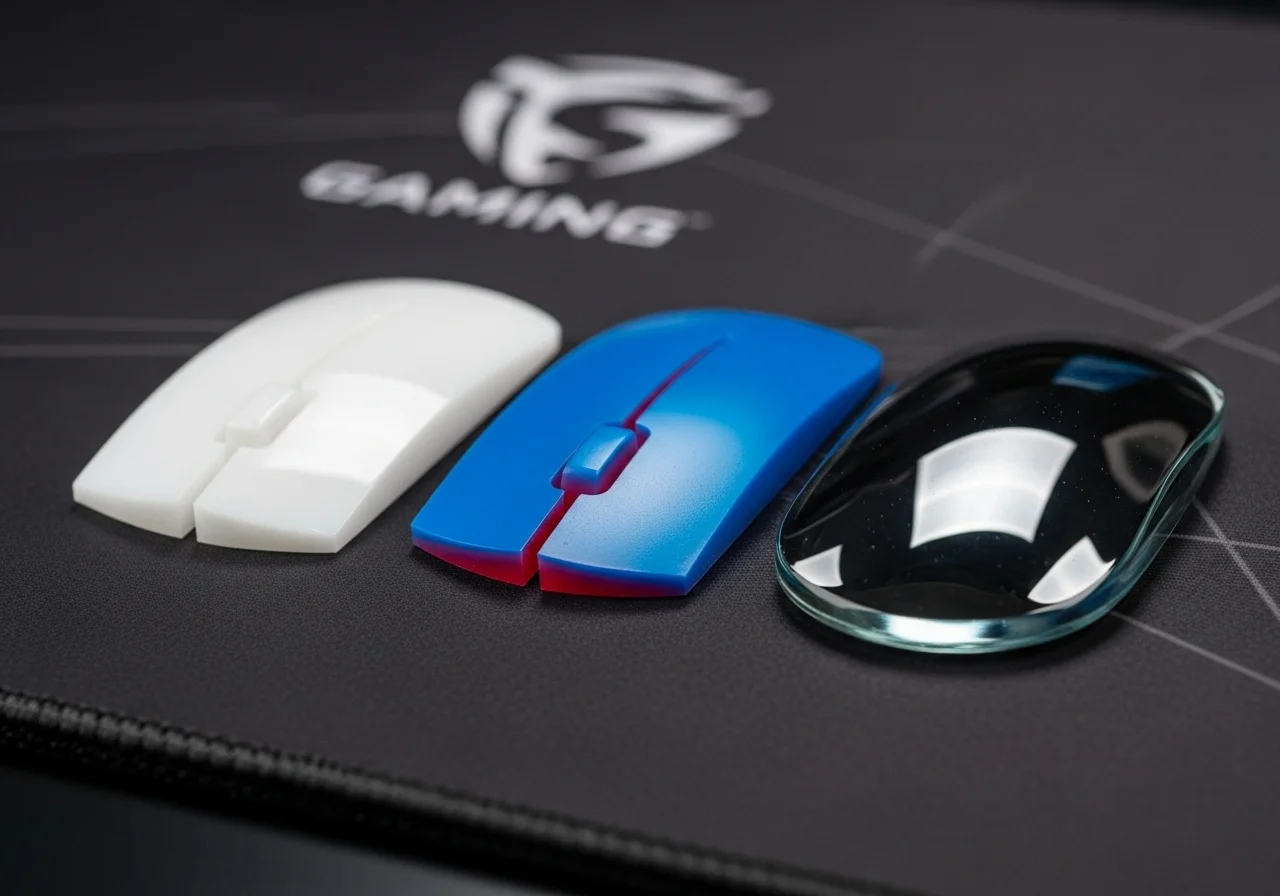
- Glass mouse skates offer instant speed and typically need zero break-in time.
- Keep your mousepad clean to prevent debris from scratching your fresh skates.
- Test your new glide consistency using the Joltfly Mouse Efficiency Test.
Material-Specific Guide: Breaking in Virgin PTFE, Dyed PTFE, and Glass
Optimizing your mouse skates is a game-changer for competitive play. However, the break-in process isn’t one-size-fits-all.
Different materials demand specific methods to achieve that perfect glide. Master these techniques to dominate your gaming circle.
Virgin PTFE Mouse Skates: Achieve Peak Performance
Virgin PTFE, also known as pure PTFE, offers unparalleled smoothness once properly broken in. These skates often feel slightly “sticky” or slow initially.
Your goal is to wear down the microscopic imperfections and create a uniform surface.
- Playtime is Key: Dedicate 10-20 hours of normal gameplay. Focus on varied movements, not just flick shots.
- Circular Motions: Perform gentle, wide circular motions across your mousepad. Do this for 5-10 minutes before serious gaming.
- Full Mousepad Coverage: Ensure your mouse travels across the entire usable surface of your pad. This helps even wear.
- Pad Choice Matters: Pair virgin PTFE with a control-oriented cloth pad for the best break-in. It helps polish the surface effectively.
Be patient. The initial resistance will fade, transforming into a lightning-fast, consistent glide. Your Aim Trainer scores will thank you.
Dyed PTFE Mouse Skates: Smooth Out the Ride
Dyed PTFE skates typically contain additives that give them color. This can slightly alter their initial feel compared to virgin PTFE.
They might feel a bit rougher or have a different static friction out of the box. However, the break-in method is largely similar.
- Extended Play: Plan for 15-25 hours of active gameplay. These skates may take slightly longer to reach their prime.
- Consistent Movement: Engage in your usual gaming sessions, ensuring consistent, broad mouse movements.
- Surface Pairing: They perform well on both control and speed pads, but a control pad can expedite the break-in.
Remember, the goal is to achieve a consistent, low-friction surface. Test your glide regularly. You’ll feel the difference.
Glass Mouse Skates: Instant, Enduring Speed
Glass skates are a different beast entirely. They boast extremely low friction right out of the box. The concept of “breaking in” them is almost non-existent.
Their ultra-smooth surface doesn’t really wear down or change over time in the same way PTFE does.
- No Break-in Needed: You’re ready to frag immediately. Expect consistent performance from the first swipe.
- Mousepad Compatibility: Glass skates are incredibly fast, especially on hard or hybrid pads. For many, a control cloth pad helps balance the speed. Learn more about the debate here: Glass vs PTFE Mouse Skates.
- Cleanliness is Critical: Dust and debris can severely impact glass skate performance. Keep your mousepad spotless.
While glass skates offer instant speed, maintaining their performance relies heavily on a clean environment. They’re built for pure, unadulterated velocity.
Maintain Your Edge: General Break-in Principles
No matter the material, consistency and cleanliness are your best allies.
- Clean Your Mousepad: Regularly clean your mousepad. A dirty surface can hinder break-in and introduce inconsistent glide.
- Avoid Harsh Chemicals: Stick to water or approved mousepad cleaners. Strong chemicals can damage your skates or pad.
- Test Your Glide: Pay attention to the feel. Is it smooth and even, or are there rough spots? Use Joltfly’s Mouse Efficiency Test to track objective performance.
Properly broken-in skates give you an undeniable edge. They ensure consistent aim and effortless micro-adjustments.
A bar chart showing the global gaming mouse market size, estimated at $2.66 billion in 2024 and projected to reach $3.96 billion by 2029.
The global gaming mouse market is expected to reach $3.96 billion by 2029. This is up from $2.66 billion in 2024, per Mordor Intelligence.
This growth highlights the massive investment players are making in competitive gaming gear.
Don’t let subpar skates hold back your performance. Invest the time to break them in correctly.
Head over to Joltfly now. Test your mouse’s precision with our Mouse Drift Test or Mouse Cursor Speed Test.
Challenge your friends to see who has the smoothest glide!
In Short
- Virgin and Dyed PTFE mouse skates require a break-in period of 10-25 hours of varied gameplay to achieve optimal smoothness, with specific techniques like circular motions and full mousepad coverage.
- Glass mouse skates offer instant speed and require no break-in, but depend on a clean environment and careful mousepad pairing to balance their high velocity.
- Regardless of the material, consistent use and maintaining a clean mousepad are crucial for ensuring optimal and consistent mouse skate performance.
The Safe Protocol: Natural Gameplay vs. Accelerated Figure-8s
You’ve installed fresh mouse skates. Now it is time to unlock their full potential. Getting that perfectly smooth, consistent glide requires breaking them in.
There are two main protocols to achieve this. You can choose natural gameplay or an accelerated figure-8 drill.
Both methods will get you to a superior glide. However, one is significantly faster for competitive readiness.
Natural Gameplay: The Organic Approach
This method is straightforward. Simply use your mouse as you normally would for gaming and daily tasks.
Your mouse skates will gradually wear down and adapt to your mousepad. This process builds a consistent, smooth surface over time.
The primary benefit is ease. There’s no special routine required. Just game on and enjoy the journey to optimal glide.
However, this can be slow. It might take many hours of gameplay to truly break in your new skates.
This delay can impact your peak performance in crucial matches. Serious competitors may want a faster solution.
Accelerated Figure-8s: The Pro’s Drill
For gamers seeking a faster edge, the figure-8 method is your go-to. This technique focuses on even and rapid conditioning of your mouse skates.
Move your mouse in continuous figure-eight patterns across your mousepad. Ensure you cover all areas of your mouse skates and the mousepad surface.
Apply moderate, consistent pressure. Perform these drills for about 10-20 minutes initially. Repeat as needed until you feel a noticeable, smooth glide.
This method rapidly grinds down any high spots or imperfections on your new skates. It helps achieve maximum smoothness quickly.
Consider your mousepad choice. A control vs. speed mousepad can influence the feel. Speed pads often benefit from a quicker break-in.
Choosing Your Break-In Protocol
The right choice depends on your urgency. Do you want peak performance now, or are you comfortable with a gradual improvement?
Here is a quick comparison to help you decide which method suits your gaming style:
| Feature | Natural Gameplay | Accelerated Figure-8s |
|---|---|---|
| Break-in Speed | Slow and gradual | Fast and efficient |
| Effort Required | Minimal (just play) | Moderate (dedicated drill) |
| Consistency | Develops over many hours | Achieved rapidly |
| Initial Feel | Rougher for longer | Smoother quickly |
Most competitive gamers opt for accelerated figure-8s. It gets you ready for peak performance faster.
Optimize Your Glide, Dominate Your Game
After breaking in your skates, you will feel the difference. Your mouse will glide with newfound freedom and consistency.
To truly master your new setup, test your accuracy. Use the Aim Trainer & Mouse Accuracy Test on Joltfly.
Challenge your gaming circle. See who can achieve the best scores with their perfectly broken-in mouse skates. Get that competitive edge now.
In Short
- New mouse skates require a break-in period to achieve optimal smooth and consistent glide.
- There are two methods for breaking in skates: natural gameplay (easy but slow) and accelerated figure-8 drills (faster and more efficient).
- Competitive gamers often choose accelerated figure-8 drills to quickly achieve peak performance.
Mythbusting: Avoiding Heat Damage From Rapid Friction
Forget the whispers of heat damage. This is a common misconception in the gaming world.
Breaking in new mouse skates won’t generate enough heat to cause damage. Your gear is safe.
Your mouse skates, whether glass or PTFE, are incredibly durable. They are designed for high-speed, low-friction movement over extended periods.
The Truth About Friction and Heat
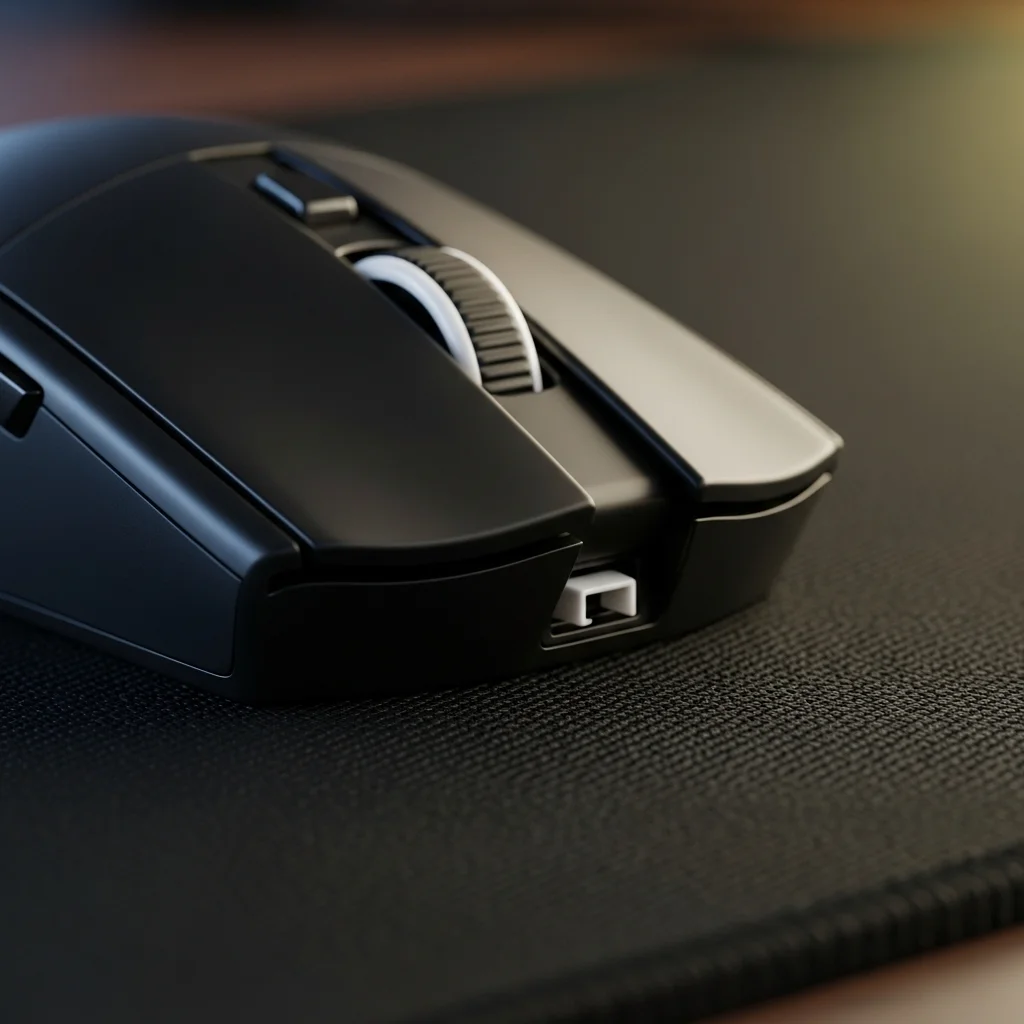
The friction produced by your mouse gliding across a mousepad is minimal. It’s simply not enough to melt or deform the high-grade materials used.
Think of it like this: your gaming sessions might be intense, but the physical forces on your skates are not.
The goal of breaking in skates isn’t to create heat. It’s to polish and smooth out any microscopic imperfections from the manufacturing process.
This ensures a consistent glide, giving you peak precision and responsiveness when it matters most.
A bar chart showing the most important factors for gamers when buying a mouse: Precision/Accuracy (65%), Comfort/Ergonomics (58%), Durability (52%), Responsiveness (47%), Price (40%). Source: Statista, 2021.
A 2021 Statista survey showed that 65% of gamers prioritize precision and accuracy when buying a mouse. Durability also ranked high at 52%.
This highlights why consistent skate performance is so crucial.
How to Properly Break In Your Skates, Damage-Free
Forget aggressive motions. Focus on gentle, consistent use to achieve that perfect glide.
- Start Slow: Use your mouse for normal browsing and light tasks first.
- Game On: Gradually introduce it to your regular gaming sessions.
- Vary Movements: Practice a range of motions, from small micro-adjustments to large sweeps.
- Be Patient: Give your skates time. The smoother glide will come naturally over a few hours of use.
This process will naturally hone the skate surfaces. You’ll feel the difference, gaining an edge in your competitive matches.
Don’t let myths hold you back. Optimize your setup for superior performance.
Ready to push your mouse to its limits? Head over to Joltfly and run a Mouse Polling Rate Test.
Ensure your glide is perfect, then challenge your friends!
In Short
- Heat damage from breaking in mouse skates is a myth, as modern skates are highly durable and designed for minimal friction.
- The goal of breaking in mouse skates is to polish and smooth microscopic imperfections for consistent glide and improved precision, not to generate heat.
- Properly breaking in skates involves gentle, consistent use and varying movements over time, rather than aggressive actions.
Troubleshooting Initial Scratchiness and Break-In Timelines
You’ve installed new mouse skates, eager for that smooth glide. But what’s that? A subtle scratchiness?
Don’t panic. This initial friction is common, especially with new PTFE skates.
It’s like breaking in new gaming gear. Slight manufacturing imperfections on the skate’s surface can cause this sensation.
Microscopic debris from installation might also be the culprit. Check your setup closely.
Your goal is peak performance. The good news is, this initial roughness is often temporary.
It’s part of the break-in process.
Understanding Break-In Timelines
Mouse skates, especially those made from PTFE, need time to “bed in.” This means active use.
The friction of your mousepad gradually polishes the skates’ surface.
For most virgin PTFE skates, expect about one to two hours of intense gameplay.
Think fast-paced FPS or competitive MOBAs. This helps them reach their optimal smoothness.
100% pure PTFE skates often break in quicker.
Sometimes, you’re looking at 30 minutes to an hour of use. They achieve a consistent, low-friction glide faster.
Glass skates are a different beast. Many gamers find them smooth almost instantly.
They often require minimal to no break-in time, offering an immediate, slick feel.
However, glass skates can sometimes feel too fast initially.
Give yourself time to adapt to their unique characteristics on your specific mousepad.
| Skate Material | Typical Break-In Time | Initial Feel | Peak Performance |
|---|---|---|---|
| Virgin PTFE | 1-2 hours active use | Slightly scratchy, inconsistent glide | Smooth, low friction, predictable |
| 100% Pure PTFE | 30 min – 1 hour active use | Minor scratch, quick smoothing | Ultra-smooth, highly consistent |
| Glass | < 30 minutes, often instant | Very smooth, sometimes slick | Fast, precise, consistent (can be abrasive on pads) |
Troubleshooting Persistent Scratchiness
If that gritty feeling persists, it’s time to troubleshoot. Don’t let anything hold back your aim.
Here’s how to attack the problem.
Inspect Your Skates and Mousepad
First, visually inspect your new skates.
Look for any visible imperfections, stray adhesive, or trapped debris. A small shard can cause significant drag.
Next, check your mousepad. A dirty, worn, or uneven surface can mimic scratchy skates.
Even microscopic dust can disrupt your glide.
A clean mousepad is crucial for optimal performance. Learn how to clean a cloth mousepad for peak gaming accuracy on Joltfly.
Re-evaluate Installation
Ensure each skate is seated perfectly flat and firmly adhered. Any lift or edge can create drag and scratchiness.
Run your finger over the edges. They should feel smooth and flush with the mouse base.
Re-pressing firmly can sometimes help.
Test on Different Surfaces
If available, try your mouse on another known-good mousepad.
This helps determine if the issue is with your skates or your primary pad.
This quick test can save you a lot of headache and get you back to dominating.
When to Consider Replacing Skates (Again)
If you’ve put in significant break-in time, say 5-10 hours of intense gameplay, and the scratchiness remains, it might be time for a fresh set.
Don’t settle for anything less than perfect glide.
Subpar skates will sabotage your muscle memory and precision. Your competitive edge depends on it.
Sometimes, manufacturing defects happen. Your performance is paramount.
Refine Your Glide on Joltfly
Once your skates feel dialed in, put their performance to the ultimate test.
Head over to Joltfly’s Mouse Efficiency Test.
Track your glide consistency and precision.
See how much your newly broken-in skates truly enhance your control.
Challenge your friends and dominate your gaming circle with optimized gear!
In Short
- New mouse skates, especially PTFE, often have initial scratchiness that resolves during a break-in period through active use, typically 30 minutes to 2 hours depending on the material.
- Glass skates usually offer immediate smoothness but may require adaptation due to their high speed.
- Persistent scratchiness requires troubleshooting steps like inspecting skates and mousepad, re-evaluating installation, testing on different surfaces, or considering replacement if defects are present.
