

Is your aim feeling sluggish? That ‘muddy’ mousepad drag is a competitive gamer’s worst nightmare, killing your reaction time and precision instantly.
Don’t let moisture ruin your rank. Discover how humidity destroys your glide and learn the exact fixes to reclaim your speed and dominate the server.
Key Takeaways
- Diagnose if your drag comes from ambient humidity or hand sweat.
- Use dehumidifiers or gaming sleeves for immediate aim consistency.
- Upgrade to hydrophobic pads like glass or Cordura for a permanent fix.
- Maintain a clean surface to prevent friction and optimize mouse glide.
Diagnosing the Drag: Is It Ambient Humidity or Sweat?
Feeling that unwelcome drag on your mousepad? It’s a competitive gamer’s nightmare. A sticky, slow mousepad can tank your aim accuracy and reaction time.
Before you implement a fix, you need to pinpoint the source of the problem. Is it the air around you, or is it your own intense gaming sweat?
The Silent Killer: Ambient Humidity
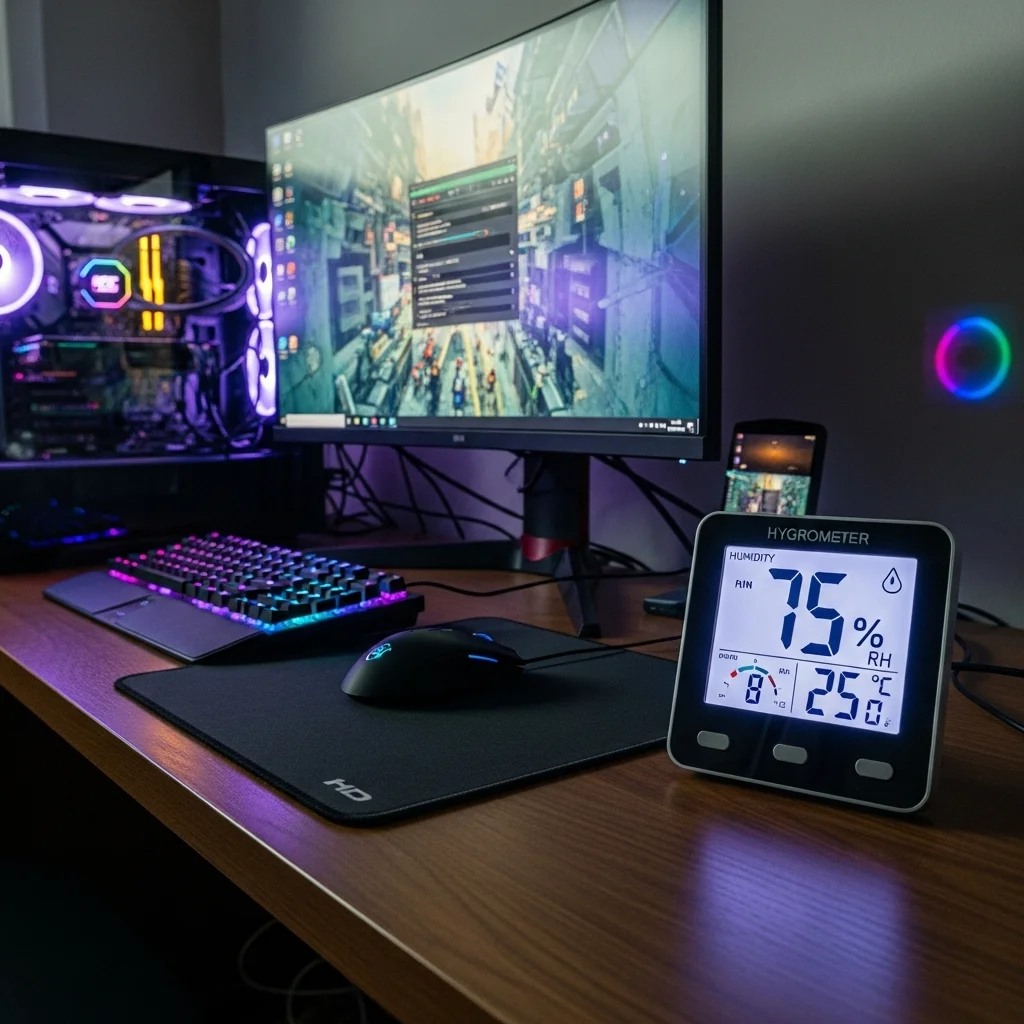
Ambient humidity refers to the moisture content in your room’s air. When humidity levels climb, your cloth mousepad fabric can absorb this moisture.
This absorption creates increased friction, making your mouse feel heavy and unresponsive. It impacts your glide, similar to playing in quicksand.
You’ll notice this effect across the entire mousepad surface. It’s not localized to where your hand rests.
Indicators often include a generally damp or clammy feeling in your gaming space. Your peripherals might feel slightly tacky.
High indoor humidity is a widespread issue. A 2018 study in Environmental Health Perspectives highlights the scale of this problem.
It found that about 47% of US homes experience indoor humidity above 60% for at least part of the year.
This significantly impacts comfort and even performance, directly affecting your competitive edge.
A pie chart showing that 47% of US homes have indoor relative humidity levels above 60% for at least part of the year.
The Personal Problem: Hand Sweat
Even in a perfectly dry room, intense gaming can make your hands sweat. This is especially true during clutch moments or high-stakes matches.
Sweat from your palm and fingers transfers directly to the mousepad. This localized moisture creates a sticky patch right where you need smooth movement.
The drag will feel inconsistent. It will be concentrated in the area your hand or wrist usually touches the pad.
You might feel your hand getting noticeably damp. This dampness increases friction, hindering your ability to make precise micro-adjustments.
Gamers using a palm grip or aggressive claw grip are often more susceptible to this localized issue.
Identifying Your Specific Drag Issue
Knowing the cause is crucial for choosing the right solution. Take a moment to assess your situation and conquer the drag.
- Widespread Drag: If the entire mousepad feels sluggish, even areas you rarely touch, ambient humidity is likely the culprit.
- Localized Stickiness: If only the area under your hand or wrist is sticky, sweat is probably the primary issue.
- General Discomfort: If the whole room feels muggy and uncomfortable, you’re dealing with ambient humidity.
Don’t let mouse drag hold you back. Understand the problem to truly optimize your setup.
You can also use Joltfly’s Mouse Drag Test to precisely measure the friction and consistency of your mousepad.
Compare results before and after trying different fixes.
Regular maintenance, like knowing how to clean a cloth mousepad, also plays a huge role in maintaining optimal glide.
Once you’ve diagnosed your drag, you’re ready to implement targeted solutions and reclaim your competitive edge.
In Short
- Mousepad drag, which negatively impacts gaming performance, stems from two primary causes: ambient humidity or hand sweat.
- Ambient humidity leads to widespread stickiness across the entire mousepad surface, while hand sweat creates localized drag where the hand makes contact.
- Diagnosing the specific cause of mousepad drag is essential for implementing targeted solutions to improve glide and maintain a competitive edge.
The Mechanics of Moisture: How Water Vapor Affects Cloth Weaves
Humidity is a silent killer of consistent aim.
It directly impacts your cloth mousepad’s surface.
Understanding this mechanism gives you a competitive edge.
Cloth mousepads are woven from fibers.
These fibers, particularly natural ones, are hygroscopic.
This means they absorb moisture from the air.
When humidity is high, your mousepad essentially swells.
The individual fibers absorb water vapor, changing their structure.
This alters the weave.
What does this mean for your gameplay?
Increased friction. Your mouse will not glide as smoothly.
This causes inconsistent tracking and aim.
Your precise flicks become sluggish.
Micro-adjustments feel sticky.
This impacts your muscle memory.
It can ruin your performance in crucial moments.
Many modern mousepads use synthetic fibers like polyester.
These materials are less absorbent than natural fibers.
Yet, even synthetics can accumulate surface moisture.
This surface moisture creates a thin film.
This film acts as a brake on your mouse skates.
The result is drag and erratic movement.
Ever wonder why your control mousepad feels slow on a muggy day?
Now you know. The weave is physically changing.
Let’s look at how common textile fibers react to moisture.
For example, cotton has a typical moisture regain of 8.5%. In contrast, polyester is much lower at 0.4% under standard conditions.
A bar chart showing typical moisture regain percentages for textile fibers: Cotton (8.5%), Nylon (4.5%), Polyester (0.4%), Wool (15.0%).
High-performance mousepads use specific weaves.
They also utilize materials to minimize this effect.
However, no cloth mousepad is entirely immune to humidity’s grip.
Maintaining a clean surface also helps mitigate issues.
A dirty pad can exacerbate humidity problems.
Learn how to clean a cloth mousepad effectively on Joltfly.
In Short
- High humidity causes cloth mousepads to absorb moisture, altering their weave and increasing friction, which negatively impacts mouse glide and aim.
- Even synthetic mousepads can accumulate surface moisture, creating drag and erratic mouse movement.
- No cloth mousepad is entirely immune to humidity’s effects, though high-performance materials and clean surfaces can help mitigate the problem.
Immediate Tactics: Dehumidifiers, Sleeves, and Surface Maintenance
Fight the Stick: Instant Humidity Solutions
Humidity can wreck your mousepad’s glide. When moisture clings to your pad, friction spikes. This causes inconsistent tracking.
It also makes micro-adjustments nearly impossible. Your aim precision takes a huge hit. Don’t let a sticky surface cost you critical plays.
Deploy a Dehumidifier for Peak Control
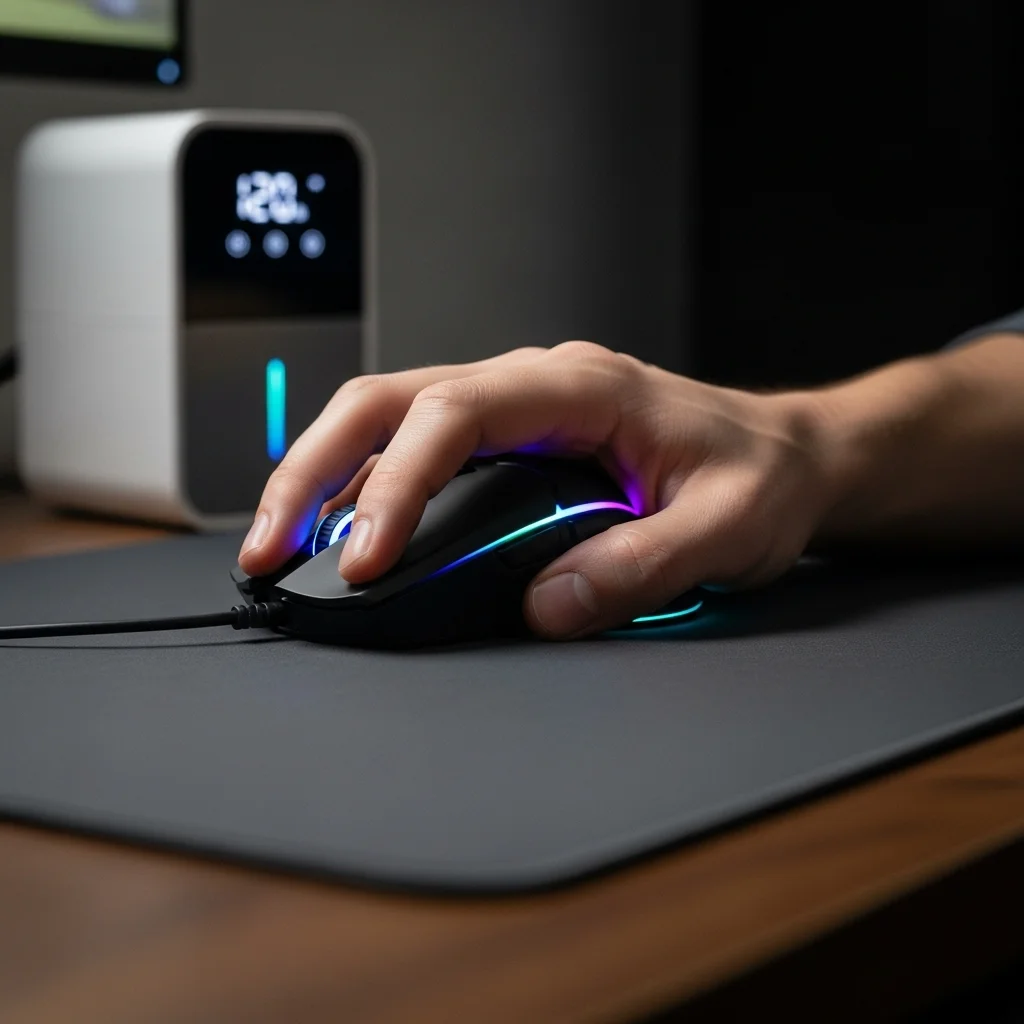
The fastest way to combat ambient humidity is with a dehumidifier. Place it in your gaming space to actively reduce moisture levels.
This creates a stable environment for your mousepad.
Target a relative humidity (RH) between 40-50% for optimal performance. This range minimizes static electricity and keeps your gear running smoothly.
A bar chart showing optimal relative humidity ranges for gaming performance (45%), electronics safety (50%), and human comfort (40%).
Embrace Gaming Sleeves for Consistent Glide
Even with environmental control, your arm can introduce sweat and friction. A gaming arm sleeve provides a smooth, consistent surface for your arm to glide on.
This eliminates sticky contact between your skin and the mousepad.
Many pro players swear by them for maintaining precise aim during long sessions.
Want to know more?
Explore how gaming arm sleeves help aim consistency and boost your performance.
Maintain Your Mousepad Surface
Regular maintenance is crucial. A clean mousepad performs better, especially in humid conditions.
Dust, skin cells, and oil accumulate, trapping moisture and increasing friction.
Quick Surface Fixes:
- Wipe Down Regularly: Use a microfiber cloth to gently wipe your mousepad daily. This removes surface debris before it can build up.
- Spot Clean Spills Immediately: Liquid spills absorb humidity and ruin glide. Clean them up fast to prevent lasting damage.
- Air Out Your Pad: If your mousepad feels damp, hang it to air dry in a well-ventilated area, away from direct sunlight.
- Proper Storage: When not in use, roll up cloth mousepads loosely or store them flat in a dry space to prevent creasing and moisture absorption.
A pristine mousepad is your foundation for winning. Combine these immediate fixes to dominate your gaming circle with unmatched precision.
Ready to test your improved glide? Head over to Joltfly’s Mouse Efficiency Test and see the difference a humidity-free setup makes!
In Short
- Combat humidity in your gaming space with a dehumidifier set to 40-50% RH to maintain optimal mousepad glide and aim.
- Use gaming arm sleeves to ensure consistent arm glide and prevent friction from sweat on the mousepad.
- Regularly maintain your mousepad by wiping, cleaning spills, airing it out, and storing it properly to prevent moisture absorption and friction.
The Permanent Solution: Switching to Hydrophobic Surfaces
Tired of inconsistent glide ruining your clutch plays? Humidity is a silent enemy for competitive gamers using traditional cloth mousepads.
It causes unpredictable friction. This makes precise aim nearly impossible.
The permanent solution is simple: switch to hydrophobic mousepads. These advanced surfaces repel moisture.
They ensure smooth gliding, regardless of room conditions or sweaty palms.
Unleash Consistent Performance with Hydrophobic Materials
Hydrophobic mousepads change the game. Their unique surface structure prevents moisture absorption.
This means your mouse accuracy remains pinpoint, even during intense, sweaty sessions.
Imagine unwavering consistency. No more sudden slowdowns or acceleration spikes due to humidity.
This translates directly to improved K/D ratios. It means more wins for you and your team.
Here are the key advantages of switching to a hydrophobic surface:
- Uninterrupted Glide: Experience smooth, low-friction movement always.
- Humidity Immunity: No performance drop-offs, even in humid environments.
- Sweat Resistance: Your hand sweat won’t create drag on the pad.
- Enhanced Durability: These materials often last longer and are easier to clean.
- Predictable Control: Gain the consistent feedback needed for pixel-perfect adjustments.
Popular Hydrophobic Mousepad Types for Gamers
Hydrophobic properties are found in various modern mousepad designs. Each offers a unique feel, but all share the core benefit of moisture resistance.
Glass Mousepads: These offer ultra-low static and dynamic friction.
They provide an incredibly fast glide, perfect for flick shots and large movements. They are inherently non-absorbent.
When pairing with glass pads, consider your mouse skates carefully for optimal glide.
Hybrid/Coated Pads: Many modern cloth or synthetic pads feature a special hydrophobic coating.
These combine the comfort of a cloth pad with superior moisture resistance.
They often strike a balance between speed and control, giving you a versatile edge. Consider if you prefer a control or speed mousepad before choosing.
Make the Switch: Dominate Your Gaming Circle
Upgrading to a hydrophobic mousepad is a significant step towards optimizing your setup. It eliminates a common, frustrating variable that impacts aim consistency.
Don’t let humidity hold you back. Invest in a surface that empowers your skills, not hinders them.
Ready to experience the difference?
Test your improved aiming precision and speed on Joltfly’s Aim Trainer.
Challenge your friends and show them what true consistent performance looks like!
Best Humidity-Resistant Materials: Cordura, Hybrid, and Glass
Humidity can absolutely wreck your mousepad’s performance. It creates unwanted drag, slows your glides, and completely throws off your precision aim.
Choosing the right mousepad material is crucial.
You need a surface that maintains consistent speed and control, shrugging off sweat and environmental moisture.
Cordura Mousepads: Durability Meets Performance
Cordura fabric mousepads are a serious contender for competitive gamers.
This high-strength synthetic material is incredibly durable and naturally water-resistant.
Its unique woven structure helps maintain a consistently smooth glide, even when the humidity spikes. You’ll experience minimal sticking and reliable tracking.
Cordura pads generally offer a fast glide with good stopping power. They are an excellent choice for players who demand a low-friction surface.
Hybrid Mousepads: Blending Speed and Control
Hybrid mousepads aim to give you the best of multiple worlds. They often combine traditional fabric surfaces with specialized plastic or synthetic coatings.
This design strategy seeks a balanced feel. It offers a mix of speed, control, and enhanced humidity resistance.
However, specific performance can vary significantly between different hybrid models.
Always look for hybrid pads specifically engineered for their moisture-repelling properties.
They are designed to deliver a consistent glide without that dreaded “swampy” drag.
Glass Mousepads: The Ultimate Consistency
For unrivaled consistency, glass mousepads stand alone. They are completely impervious to humidity, sweat, or any temperature fluctuations.
Your mouse glide remains perfectly identical, every single session. Glass pads offer incredibly low static and dynamic friction.
This translates directly to lightning-fast movements and pixel-perfect micro-adjustments. They are the go-to choice for precise, high-DPI gameplay.
Remember that glass pads work best with specific mouse skates. The choice of skates will significantly impact your overall glide feel.
While extremely durable against wear, they are susceptible to shattering if dropped from a height. Expect a louder glide due to the hard surface contact.
Mousepad Material Comparison
Here’s a quick breakdown to help you pick your next weapon of choice:
| Material | Humidity Resistance | Glide Feel | Durability | Noise Level |
|---|---|---|---|---|
| Cordura | High | Fast, Smooth | Very High (Wear) | Low |
| Hybrid | Moderate to High | Variable (Balanced) | High (Wear) | Low |
| Glass | Excellent | Very Fast, Consistent | High (Wear), Fragile (Impact) | High |
Choosing the right mousepad material actively protects your in-game performance. It eliminates sticky drag and ensures your aim stays locked-in.
Don’t let humidity dictate your wins. Upgrade your setup and immediately feel the difference in your gaming sessions.
Test your mouse’s precision with the Mouse Efficiency Test on Joltfly. See how your new pad stacks up and challenge your gaming circle.
In Short
- Humidity and sweat negatively affect traditional mousepads, causing inconsistent glide and hindering precise gaming performance.
- Hydrophobic mousepads, such as glass, hybrid, or Cordura types, provide a permanent solution by repelling moisture for consistent, smooth mouse movement.
- Switching to hydrophobic surfaces ensures predictable control, enhanced durability, and improved gaming accuracy by eliminating humidity-related drag.
Conquer the Swamp
Don’t let the weather dictate your rank. Mastering humidity control is your secret weapon for consistent, god-tier aim.
Swap that muddy pad or crank up the dehumidifier. Take control of your environment and stop blaming the swamp feeling.
You have the knowledge now. Get back in the lobby, click heads, and show them what true consistency looks like. Go win!
Frequently Asked Questions
Why does my mousepad feel slow when it rains?
Cloth fibers absorb moisture from the air instantly. This adds friction, making your glide feel “muddy” and sluggish.
It destroys your muscle memory and makes micro-adjustments impossible. Keep that pad dry to stay sharp!
Will a glass mousepad fix humidity issues?
Yes, 100%. Glass and hard pads are totally immune to moisture. Your glide remains perfect regardless of the weather.
If you hate the swampy feeling, switching to a hard surface is the ultimate permanent fix for your setup.
How does a dehumidifier help gaming?
It pulls moisture right out of the air and your mousepad. This restores the original speed and texture of cloth surfaces.
Run it before your session. You will feel the difference instantly in your tracking and flick shots.
